
AI Presentation Tools in 2026: How Businesses Are Creating Better Decks and Visual Stories Faster
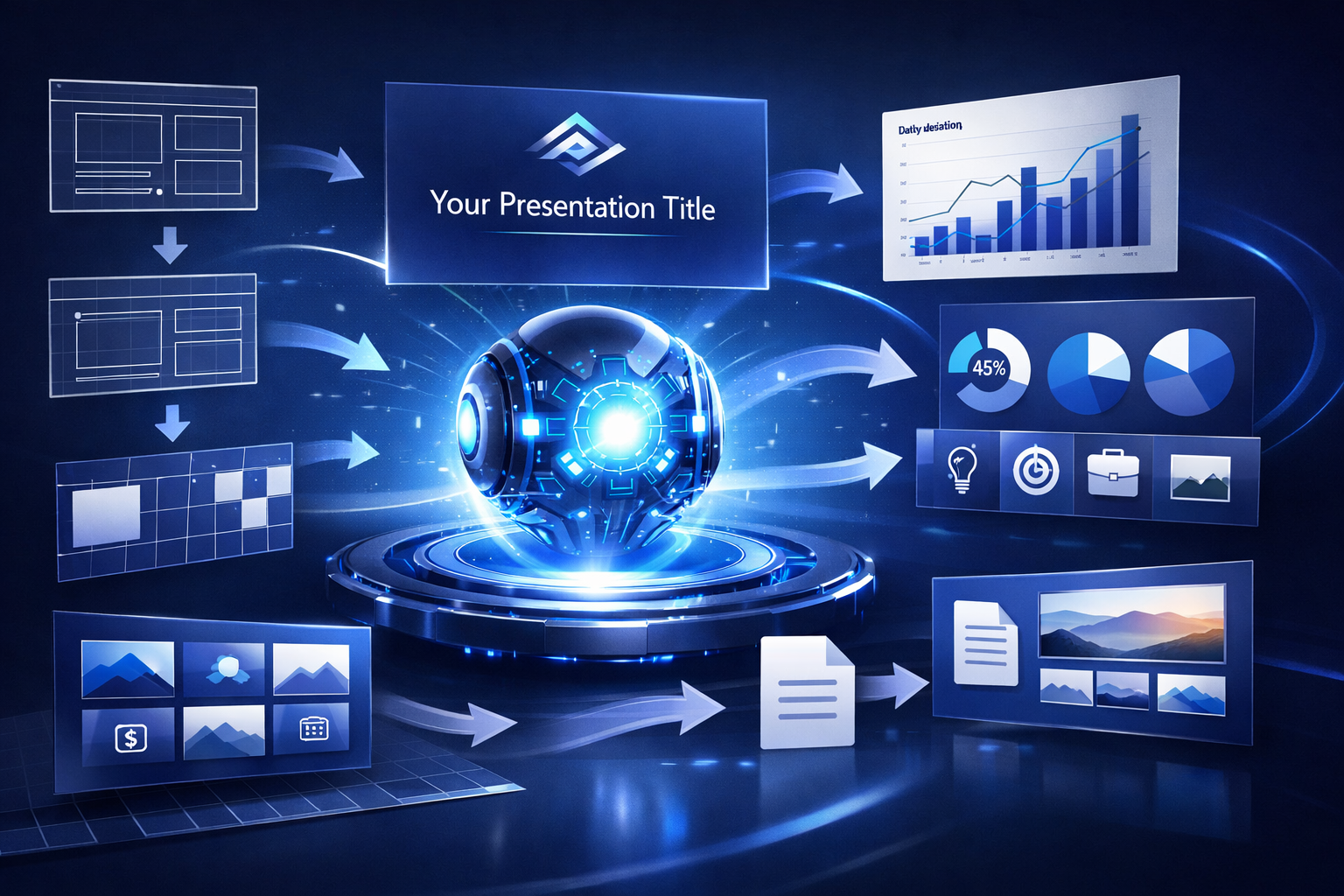
Presentations are still one of the most important formats in business. Companies use decks to pitch investors, sell products, train employees, present strategy, explain results, introduce services, support webinars, lead meetings, and communicate ideas clearly.
But creating a strong presentation takes time.
A good deck needs structure, clear messaging, useful visuals, concise copy, consistent design, and a logical flow. Many business teams struggle with blank slides, inconsistent formatting, overloaded text, weak visuals, and last-minute revisions. Even when the ideas are strong, turning them into a polished presentation can become a slow process.
AI presentation tools are changing that.
Instead of relying only on manual slide creation, old templates, traditional design tools, and time-consuming formatting work, businesses can now use AI to generate outlines, create slides, summarize documents, suggest visuals, rewrite copy, design layouts, and turn rough ideas into presentation-ready drafts.
These tools are not replacing strategy, storytelling, or executive judgment. A strong presentation still needs a clear purpose, credible information, and a human understanding of the audience. But AI is changing how businesses move from idea to deck.
For companies that need to create better presentations faster, AI presentation tools have become one of the most practical applications of artificial intelligence.
What AI Presentation Tools Do
AI presentation tools help businesses create, design, edit, and improve slide decks using artificial intelligence.
At a basic level, these platforms can turn a prompt, outline, document, or set of notes into a presentation draft. A user might describe the topic, audience, purpose, and tone, and the AI tool can create a slide structure with headlines, talking points, visuals, and layout suggestions.
Many AI presentation platforms include features such as:
- Slide deck generation
- Presentation outlines
- Executive summaries
- Visual layout suggestions
- AI-generated slide copy
- Document-to-deck conversion
- Brand template support
- Image and icon suggestions
- Chart and data slide support
- Speaker notes
- Pitch deck creation
- Sales deck creation
- Training presentation support
- Webinar deck support
- Design consistency tools
- Slide rewriting
- Content summarization
- Team collaboration
- Export to PowerPoint or PDF
- Presentation analytics
The strongest platforms are not just slide generators. They are presentation workflow tools. They help businesses organize ideas, structure messages, and produce visually consistent decks more efficiently.
For example, a startup might use an AI presentation tool to create the first draft of an investor deck. A sales team might use it to build a prospect-specific proposal deck. A marketing team might turn campaign research into a presentation for leadership. A training team might create onboarding slides from internal documentation. A consultant might use AI to turn notes and findings into a client-ready presentation outline.
The real value is not simply that AI can make slides. The value is that businesses can move faster from scattered ideas to a clear visual story.
How Presentations Used to Be Created Before AI
Before the rise of AI presentation tools, creating a business deck was usually a manual process.
A person would start with a blank presentation or reuse an old template. They would organize the message, create slide titles, write copy, add visuals, format the layout, adjust spacing, create charts, and revise the deck through multiple rounds of feedback.
For important presentations, this process could take hours, days, or even weeks.
Software helped, but it did not fully solve the problem.
Businesses used PowerPoint, Google Slides, Keynote, design tools, charting tools, brand templates, stock image libraries, and internal slide libraries. These tools made presentations easier to build, but they still required significant human effort.
Someone still had to create the structure. Someone still had to write the slide copy. Someone still had to design the layout. Someone still had to find visuals. Someone still had to make the slides consistent. Someone still had to revise everything before the deadline.
That meant presentation creation often became stressful and inefficient.
The AI revolution changed the workflow. Instead of starting with a blank deck, users can now start with an AI-generated structure and refine it.
What Changed With AI Presentation Tools
The biggest change is that AI presentation tools reduce the friction between an idea and a usable deck.
A business user can now begin with notes, a memo, a document, a rough outline, or even a simple prompt. The AI can suggest the presentation flow, create slide headlines, draft supporting text, recommend visuals, and apply a consistent design style.
That creates several important shifts.
First, deck creation becomes faster. Teams can get to a first draft without building every slide manually.
Second, presentations become easier to structure. AI can help organize ideas into a logical sequence.
Third, design consistency improves. AI tools can apply layouts, spacing, typography, and brand elements more consistently.
Fourth, content repurposing becomes easier. Reports, articles, transcripts, strategy notes, and research briefs can be turned into slide decks more quickly.
This is why AI presentation tools are especially useful for sales teams, founders, consultants, executives, marketers, trainers, educators, and anyone who frequently turns ideas into presentations.
Practical Business Advantages
AI presentation tools offer several practical advantages for businesses.
Faster First Drafts
The most obvious benefit is speed.
AI tools can create a deck structure and first draft much faster than starting with a blank presentation. This is especially useful when teams need to prepare for meetings, pitches, webinars, reports, or internal updates quickly.
The first draft still needs review, but it gives the team something concrete to improve.
Better Presentation Structure
Many presentations fail because the structure is unclear.
AI tools can help organize information into a better flow. They can suggest sections, slide order, key points, and transitions between ideas.
This can help business users create decks that are easier to follow.
More Consistent Design
Presentation design can become inconsistent when different people create slides in different styles.
AI presentation tools can help apply consistent layouts, fonts, spacing, colors, and visual hierarchy. This makes decks look more polished and professional.
Brand consistency is especially important for sales decks, investor decks, client presentations, and executive materials.
Easier Content Repurposing
Businesses already have valuable content inside documents, reports, blog posts, proposals, research briefs, meeting notes, and training materials.
AI presentation tools can help turn that content into slides.
For example:
- A report can become an executive briefing.
- A blog post can become a webinar deck.
- A proposal can become a sales presentation.
- A meeting summary can become a team update.
- A training manual can become onboarding slides.
- A research memo can become a strategy presentation.
This helps businesses get more use from content they already have.
Better Support for Non-Designers
Many employees need to create presentations even if they are not designers.
AI tools can help non-designers create cleaner, more professional slides. This reduces the burden on design teams and helps business teams communicate more effectively.
Faster Revisions
Presentation revisions can be time-consuming.
AI tools can help rewrite slides, shorten text, change tone, simplify messages, create alternate versions, and adjust slide structure. This makes it easier to refine a deck before sharing it.
Common Use Cases for AI Presentation Tools
AI presentation tools are being used across many business functions.
Common use cases include:
- Sales decks
- Investor pitch decks
- Executive presentations
- Internal updates
- Training decks
- Webinar slides
- Conference presentations
- Client proposals
- Strategy presentations
- Board meeting materials
- Product demos
- Marketing presentations
- Research briefings
- Educational slides
- Company overviews
- Proposal summaries
- Data presentations
- Onboarding decks
- Workshop materials
- Thought leadership presentations
The best use cases are usually situations where a business needs to turn information into a clear, visual format quickly.
What Businesses Should Look For in an AI Presentation Platform
Not all AI presentation tools are the same. Some focus on slide generation. Others focus on design, document-to-deck conversion, pitch decks, sales presentations, or team collaboration.
When comparing providers, businesses should look at:
- Slide quality
- Outline generation
- Design consistency
- Brand template support
- Document-to-deck conversion
- Data visualization support
- Image and icon support
- Editing flexibility
- Speaker notes
- Collaboration features
- Export options
- PowerPoint or Google Slides compatibility
- Team permissions
- Approval workflows
- Brand controls
- Ease of use
- Privacy and data controls
- Pricing structure
- Enterprise support
Businesses should also consider whether the tool makes decks easy to edit. A presentation tool is most useful when it creates a strong starting point that humans can refine.
Where AI Presentation Tools Fit in the Future of Business Communication
AI presentation tools are becoming part of the modern business communication stack.
In 2026, businesses are likely to use AI to create first drafts, summarize documents into slides, improve deck design, and help teams communicate ideas faster. Presentations will still require human judgment, but AI will reduce the mechanical work of building them.
The companies that benefit most will not be the ones that let AI create generic decks without review. They will be the ones that use AI to improve the presentation process.
They will use AI to organize ideas faster. They will use AI to create better first drafts. They will use AI to turn documents into visual stories. They will use AI to improve design consistency. They will use AI to help teams communicate more clearly.
That is where the real business value is.
Final Thoughts
AI presentation tools are helping businesses move beyond the old limits of blank slides, inconsistent formatting, and slow deck creation. They make it easier to structure ideas, create visual drafts, repurpose content, and build more polished presentations.
The value is not just faster slides. The value is clearer communication.
Businesses need to pitch ideas. They need to explain strategy. They need to train teams. They need to sell products and services. They need to communicate data and insights. They need to turn complex information into a story people can understand.
AI presentation platforms help make that possible.
That is why this category has become one of the most important areas of practical AI adoption for sales, leadership, consulting, training, and business communication.
Turn existing internal knowledge into courses, videos, and assessments that stay current as the work changes.
Keep reading
- AI Education & Training ToolsPluralsight Introduces AI Learning Integrations and Skill Development Tools
- AI Cybersecurity ToolsSecuronix Introduces Agent Behavioral Analytics to Monitor Autonomous Systems
- AI Healthcare Technology ToolsGenie Health Secures Seed Capital to Expand AI-Driven Digital Healthcare Solutions
- AI Coding & Developer ToolsSimplismart In Talks for New Investment Round to Expand AI Infrastructure
- AI Research ToolsAlbert Invent Advances AI for Chemical Experimentation
- AI Cybersecurity ToolsSophos Introduces AI Defense for Real-Time Security and Shadow AI Detection