
How to Choose the Best AI Meeting Assistants in 2026
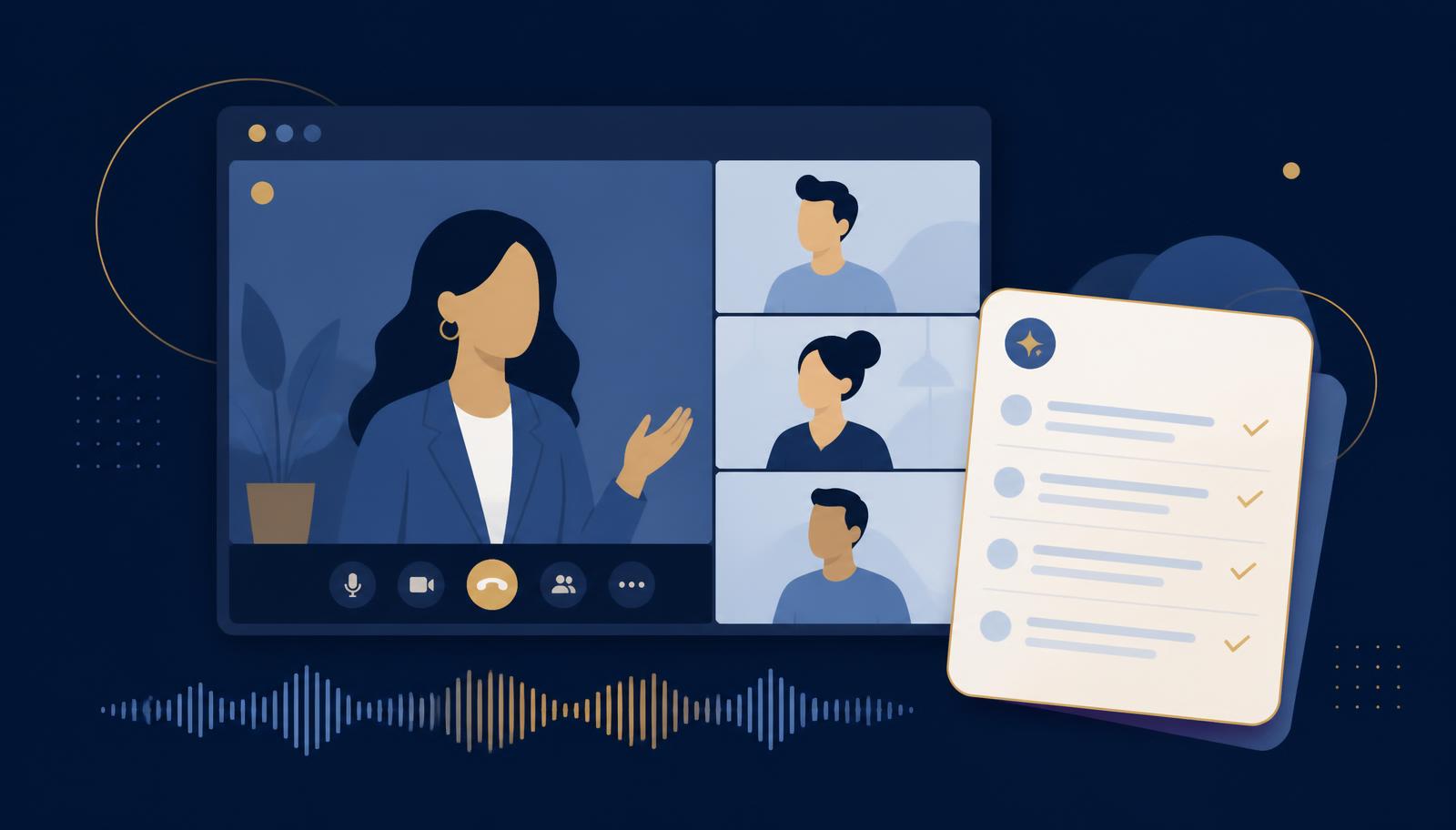
<p><a href="/categories/ai-meeting-assistants">AI meeting assistants</a> are designed to make meetings easier to capture, summarize, search, and act on. They can record conversations, generate transcripts, identify action items, prepare follow-ups, summarize decisions, and help teams avoid losing important details after a call ends.</p> <p>For many businesses, meetings are one of the biggest hidden productivity drains. People spend time attending the meeting, then more time writing notes, sending recaps, clarifying decisions, and trying to remember who agreed to do what.</p> <p>AI meeting assistants can reduce that burden.</p> <p>But not every meeting assistant is built for the same type of user. Some are designed for sales calls. Some are built for internal team meetings. Some are better for recruiting, customer success, coaching, project management, or executive review.</p> <p>Choosing the right AI meeting assistant starts with understanding what kind of meetings your business actually needs to improve.</p>
<h2>Why AI Meeting Assistants Matter</h2> <p>Meetings create a lot of valuable information, but much of that information disappears quickly.</p> <p>Someone may explain a customer problem. A prospect may describe a buying concern. A manager may assign a task. A team may agree on a deadline. A candidate may reveal an important hiring detail. A client may approve a next step.</p> <p>If no one captures that information clearly, the value of the meeting is reduced.</p> <p>AI meeting assistants help businesses preserve and organize meeting information.</p> <p>They can help with:</p> <ul> <li>Meeting transcription</li> <li>Meeting summaries</li> <li>Action item tracking</li> <li>Follow-up emails</li> <li>Decision capture</li> <li>Speaker identification</li> <li>Searchable meeting history</li> <li>Sales call review</li> <li>Customer success notes</li> <li>Recruiting notes</li> <li>Project updates</li> <li>Internal knowledge capture</li> <li>Coaching and training</li> <li>CRM updates</li> <li>Calendar-based automation</li> </ul> <p>The goal is not simply to record everything.</p> <p>The goal is to turn meetings into usable business information.</p>
<h2>Start With the Meeting Type</h2> <p>The first step is to identify the type of meeting that matters most.</p> <p>Different meetings require different features.</p> <p>A sales team may need call scoring, CRM updates, objection tracking, deal intelligence, and follow-up email drafts. Teams in this situation often compare options in <a href="/categories/ai-sales-lead-generation-tools">AI sales and lead generation tools</a> alongside dedicated meeting assistants.</p> <p>A customer success team may need account notes, issue tracking, sentiment analysis, renewal signals, and next-step summaries.</p> <p>A recruiting team may need candidate summaries, interview notes, hiring feedback, and structured evaluation support.</p> <p>An internal operations team may need action items, project updates, decisions, deadlines, and searchable meeting history.</p> <p>An executive team may need concise summaries, decision records, accountability tracking, and private access controls.</p> <p>Before choosing a tool, decide which meeting workflow is most important.</p> <p>A general-purpose meeting assistant may be enough for simple note-taking. A specialized tool may be better when meetings are tied to sales, recruiting, customer success, or compliance-sensitive work.</p>
<h2>Match the Tool to the Use Case</h2> <p>AI meeting assistants can support many different use cases.</p> <p>Common use cases include:</p> <ul> <li>Internal meeting summaries</li> <li>Client call notes</li> <li>Sales call recording</li> <li>Prospect follow-up</li> <li>Customer success documentation</li> <li>Recruiting interviews</li> <li>Team standups</li> <li>Project management updates</li> <li>Training and coaching</li> <li>Executive briefings</li> <li>Legal or professional-service meetings</li> <li>Medical practice operations meetings</li> <li>Agency client calls</li> <li>Consultant discovery calls</li> <li>Board or leadership meetings</li> </ul> <p>The right tool should fit the specific use case.</p> <p>For example, a sales organization may want a meeting assistant that integrates deeply with CRM software and identifies deal risks.</p> <p>A consulting firm may care more about accurate summaries, client notes, follow-up tasks, and searchable history.</p> <p>A small business may simply need clean meeting notes and action items.</p> <p>A company with sensitive information may care most about permissions, storage, and recording consent controls.</p>
<h2>Review Transcription Quality</h2> <p>Transcription quality is one of the most important features in an AI meeting assistant.</p> <p>If the transcript is poor, the summary and action items will usually be poor too.</p> <p>When evaluating transcription quality, test the tool with real meetings.</p> <p>Look for how well it handles:</p> <ul> <li>Multiple speakers</li> <li>Accents</li> <li>Fast conversations</li> <li>Technical language</li> <li>Industry-specific terminology</li> <li>Background noise</li> <li>Interruptions</li> <li>Virtual meetings</li> <li>In-person meetings</li> <li>Long meetings</li> <li>Poor audio quality</li> </ul> <p>A tool may perform well in a clean demo but struggle in real business meetings. Teams that need stronger audio handling sometimes also review <a href="/categories/ai-voice-audio-tools">AI voice and audio tools</a>.</p> <p>The best test is to run the assistant during an actual meeting and compare the transcript to what was really said.</p>
<h2>Evaluate Summary Quality</h2> <p>A meeting assistant should not only transcribe words. It should help people understand what happened.</p> <p>Good summaries should capture:</p> <ul> <li>Main topics</li> <li>Key decisions</li> <li>Action items</li> <li>Deadlines</li> <li>Questions raised</li> <li>Follow-up needs</li> <li>Ownership of next steps</li> <li>Important context</li> <li>Customer or prospect concerns</li> <li>Risks or blockers</li> <li>Open issues</li> </ul> <p>The summary should be easy to read and useful without requiring someone to scan the entire transcript.</p> <p>Different teams may need different summary formats.</p> <p>A sales manager may want deal notes and next steps. A project manager may want tasks, owners, and deadlines. A founder may want a short executive summary. A consultant may want detailed client context.</p> <p>The best AI meeting assistant allows summaries to match the team's workflow.</p>
<h2>Check Action Item Tracking</h2> <p>Action items are one of the most valuable outputs of an AI meeting assistant.</p> <p>A meeting that produces no clear next steps often creates confusion.</p> <p>When comparing tools, look at whether the assistant can identify:</p> <ul> <li>Who owns the task</li> <li>What needs to be done</li> <li>When it is due</li> <li>Whether the task is internal or external</li> <li>Whether the task should be sent to a project management system</li> <li>Whether follow-up reminders are available</li> <li>Whether tasks can be edited or approved before sending</li> </ul> <p>The tool should make it easier to follow through after a meeting.</p> <p>If the action items are vague, inaccurate, or hard to move into the team's normal workflow, the assistant may not create much value.</p>
<h2>Review Integrations</h2> <p>Meeting assistants are most useful when they connect with the tools your team already uses.</p> <p>Important integrations may include:</p> <ul> <li>Google Calendar</li> <li>Outlook Calendar</li> <li>Zoom</li> <li>Google Meet</li> <li>Microsoft Teams</li> <li>Slack</li> <li>Salesforce</li> <li>HubSpot</li> <li>Pipedrive</li> <li>Notion</li> <li>Asana</li> <li>Trello</li> <li>Monday.com</li> <li>ClickUp</li> <li>Airtable</li> <li>Email platforms</li> <li>Project management tools</li> <li>Customer success platforms</li> <li>Recruiting software</li> </ul> <p>A meeting assistant that creates a good summary but leaves it trapped inside a separate dashboard may not be enough.</p> <p>The best tool should move meeting information into the systems where the team already works.</p> <p>For sales teams, CRM integration may be essential, which is why many buyers also review <a href="/categories/ai-crm-revops-tools">AI CRM and RevOps tools</a>. For project teams, task and project management integration may matter most. For executives, calendar and email integration may be enough.</p>
<h2>Consider Recording Consent and Privacy</h2> <p>Meeting assistants often record conversations, transcribe speech, and store sensitive information.</p> <p>That makes consent, privacy, and data control important.</p> <p>Businesses should review:</p> <ul> <li>Recording notifications</li> <li>Consent settings</li> <li>Participant alerts</li> <li>Storage policies</li> <li>Data retention</li> <li>Admin controls</li> <li>User permissions</li> <li>Workspace controls</li> <li>Sharing permissions</li> <li>Download options</li> <li>Deletion options</li> <li>Security settings</li> <li>Compliance needs</li> </ul> <p>Some states, countries, industries, and professional settings have specific rules or expectations around recording conversations.</p> <p>A business should choose a tool that makes consent clear and manageable. Regulated teams often pair this review with <a href="/categories/ai-compliance-risk-management-tools">AI compliance and risk management tools</a>.</p> <p>This is especially important for legal, healthcare, finance, HR, recruiting, and client-service environments.</p>
<h2>Look at Search and Knowledge Features</h2> <p>One of the biggest long-term benefits of an AI meeting assistant is searchable meeting history.</p> <p>After months of meetings, a company may want to know:</p> <ul> <li>When did the client approve that change?</li> <li>Who agreed to the deadline?</li> <li>What objection did the prospect raise?</li> <li>Which customer asked for that feature?</li> <li>What did the candidate say about availability?</li> <li>What decisions were made in the project review?</li> <li>Which accounts mentioned pricing concerns?</li> </ul> <p>A good AI meeting assistant should make it easy to search past meetings and retrieve useful information.</p> <p>Some tools can also turn meeting history into internal knowledge. Companies that want this at scale often look at <a href="/categories/ai-knowledge-management-tools">AI knowledge management tools</a> as well.</p> <p>This can help teams learn from past conversations, onboard new employees, review customer needs, or identify recurring business patterns.</p>
<h2>Compare Sales-Specific Features</h2> <p>Sales teams often need more than meeting notes.</p> <p>A sales-focused AI meeting assistant may include:</p> <ul> <li>Call scoring</li> <li>Objection tracking</li> <li>Talk-time analysis</li> <li>Deal risk signals</li> <li>Competitor mentions</li> <li>CRM field updates</li> <li>Follow-up email drafts</li> <li>Pipeline insights</li> <li>Coaching feedback</li> <li>Sales playbook tracking</li> <li>Keyword tracking</li> <li>Buying committee notes</li> <li>Next-step reminders</li> </ul> <p>These features can be valuable for sales organizations, but they may be unnecessary for other teams.</p> <p>A small business that only needs meeting summaries may not need a sales-intelligence platform.</p> <p>The right choice depends on how the company uses meetings.</p>
<h2>Compare Team and Admin Features</h2> <p>For teams, administrative controls matter.</p> <p>A business should review whether the tool allows:</p> <ul> <li>Team workspaces</li> <li>User permissions</li> <li>Admin dashboards</li> <li>Shared meeting libraries</li> <li>Private meetings</li> <li>Department-level access</li> <li>Role-based permissions</li> <li>Central billing</li> <li>Company-wide templates</li> <li>Meeting type rules</li> <li>Integration controls</li> <li>Data retention settings</li> </ul> <p>A tool that works well for one individual may not work as well across an entire company. Before committing, test whether the tool can support the number of users, teams, meeting types, and privacy needs involved.</p>
<h2>Understand Pricing</h2> <p>AI meeting assistants may be priced in several ways. Common pricing models include:</p> <ul> <li>Free plans with limits</li> <li>Per user per month</li> <li>Per recorded hour</li> <li>Per transcription hour</li> <li>Per workspace</li> <li>Per team</li> <li>Usage-based pricing</li> <li>AI credit-based pricing</li> <li>Enterprise pricing</li> <li>Add-ons for CRM or advanced features</li> </ul> <p>Before choosing a tool, estimate:</p> <ul> <li>How many people need access</li> <li>How many meetings will be recorded</li> <li>How long the meetings usually are</li> <li>Whether external meetings are included</li> <li>Whether sales or CRM features are needed</li> <li>Whether advanced admin controls are required</li> <li>Whether transcripts and recordings are stored long term</li> <li>Whether additional AI summaries cost extra</li> </ul> <p>The cheapest tool may not be the best value if it limits meeting hours, integrations, search, or team access.</p> <p>The most expensive tool may also be unnecessary if the business only needs simple notes and summaries.</p>
<h2>Decide Whether You Need a Meeting Assistant or a Broader Workflow Tool</h2> <p>Some businesses only need meeting notes.</p> <p>Others need meeting information to trigger broader workflows.</p> <p>For example:</p> <ul> <li>A sales call summary may need to update the CRM.</li> <li>A client meeting may need to create project tasks.</li> <li>A recruiting interview may need to update candidate records.</li> <li>A customer success call may need to create support tickets.</li> <li>A leadership meeting may need to create executive follow-ups.</li> <li>A training session may need to become internal documentation.</li> </ul> <p>In these cases, the meeting assistant may need to connect with a broader productivity, automation, or knowledge management system. Many teams review <a href="/categories/ai-productivity-workflow-tools">AI productivity and workflow tools</a> at the same time.</p> <p>A meeting assistant solves the capture problem.</p> <p>A workflow tool solves the follow-through problem.</p> <p>Some businesses may need both.</p>
<h2>Common Mistakes to Avoid</h2> <p>A common mistake is choosing a meeting assistant based only on transcription quality.</p> <p>Transcription matters, but it is only one part of the workflow.</p> <p>Other common mistakes include:</p> <ul> <li>Recording meetings without clear consent practices</li> <li>Choosing a tool that does not integrate with existing systems</li> <li>Ignoring admin controls</li> <li>Failing to test real meetings</li> <li>Assuming all summaries are equally accurate</li> <li>Overpaying for sales features the team does not need</li> <li>Choosing a personal tool for a team environment</li> <li>Letting meeting notes pile up without action</li> <li>Forgetting to review data retention settings</li> <li>Failing to train employees on how to use the tool</li> </ul> <p>The goal is not to create more meeting records.</p> <p>The goal is to make meetings easier to act on.</p>
<h2>How ProviderScout.ai Helps</h2> <p>ProviderScout.ai helps businesses explore AI meeting assistants by organizing providers into practical categories and making it easier to compare options. Instead of searching across scattered websites, ads, listicles, and social posts, users can start with a focused AI category designed around business use. ProviderScout.ai can help users identify:</p> <ul> <li><a href="/categories/ai-meeting-assistants">AI meeting assistants</a></li> <li><a href="/categories/ai-productivity-workflow-tools">AI productivity tools</a></li> <li><a href="/categories/ai-automation-agents">AI workflow automation tools</a></li> <li><a href="/categories/ai-sales-lead-generation-tools">AI sales tools</a></li> <li><a href="/categories/ai-crm-revops-tools">AI CRM and RevOps tools</a></li> <li><a href="/categories/ai-knowledge-management-tools">AI knowledge management tools</a></li> <li><a href="/agencies">AI implementation agencies and consultants</a></li> </ul> <p>The Scout Engine helps organize provider discovery, while the Scout Score helps support visibility and relevance inside the platform. For businesses that are unsure where to begin, ProviderScout.ai can help narrow the search from a broad question like:</p> <p>Which AI tool should we use?</p> <p>To a more practical question:</p> <p>Which meeting assistant fits the way our team actually works?</p>
<h2>Final Thoughts</h2> <p>AI meeting assistants can create real value when they turn conversations into usable business information.</p> <p>The right tool should do more than record calls. It should produce accurate summaries, identify action items, connect with existing systems, respect privacy needs, and help teams follow through.</p> <p>Before choosing an AI meeting assistant, define the meeting type, test transcription and summaries with real calls, review integrations, check consent and data controls, and decide whether the business also needs broader workflow automation.</p> <p>Meetings should not end with confusion, forgotten tasks, or scattered notes.</p> <p>The right AI meeting assistant can help turn every important conversation into a clearer next step.</p> <p>Explore providers in <a href="/categories/ai-meeting-assistants">AI Meeting Assistants</a>, browse all <a href="/categories">AI tool categories</a>, or find an <a href="/agencies">implementation agency</a> to help you roll the tool out across your team.</p>
Capture what was said, agree what was decided, and get action items into the systems where work actually happens.
Keep reading
- AI Education & Training ToolsPluralsight Introduces AI Learning Integrations and Skill Development Tools
- AI Cybersecurity ToolsSecuronix Introduces Agent Behavioral Analytics to Monitor Autonomous Systems
- AI Healthcare Technology ToolsGenie Health Secures Seed Capital to Expand AI-Driven Digital Healthcare Solutions
- AI Coding & Developer ToolsSimplismart In Talks for New Investment Round to Expand AI Infrastructure
- AI Research ToolsAlbert Invent Advances AI for Chemical Experimentation
- AI Cybersecurity ToolsSophos Introduces AI Defense for Real-Time Security and Shadow AI Detection